Convert PDF estimates to Xactimate ESX. Built by an experienced estimator.
Turn an adjuster's PDF into an editable Xactimate estimate in minutes. Review every line before you download.
No credit card.Claude, ChatGPT, and Gemini can read and edit your estimates. See how.
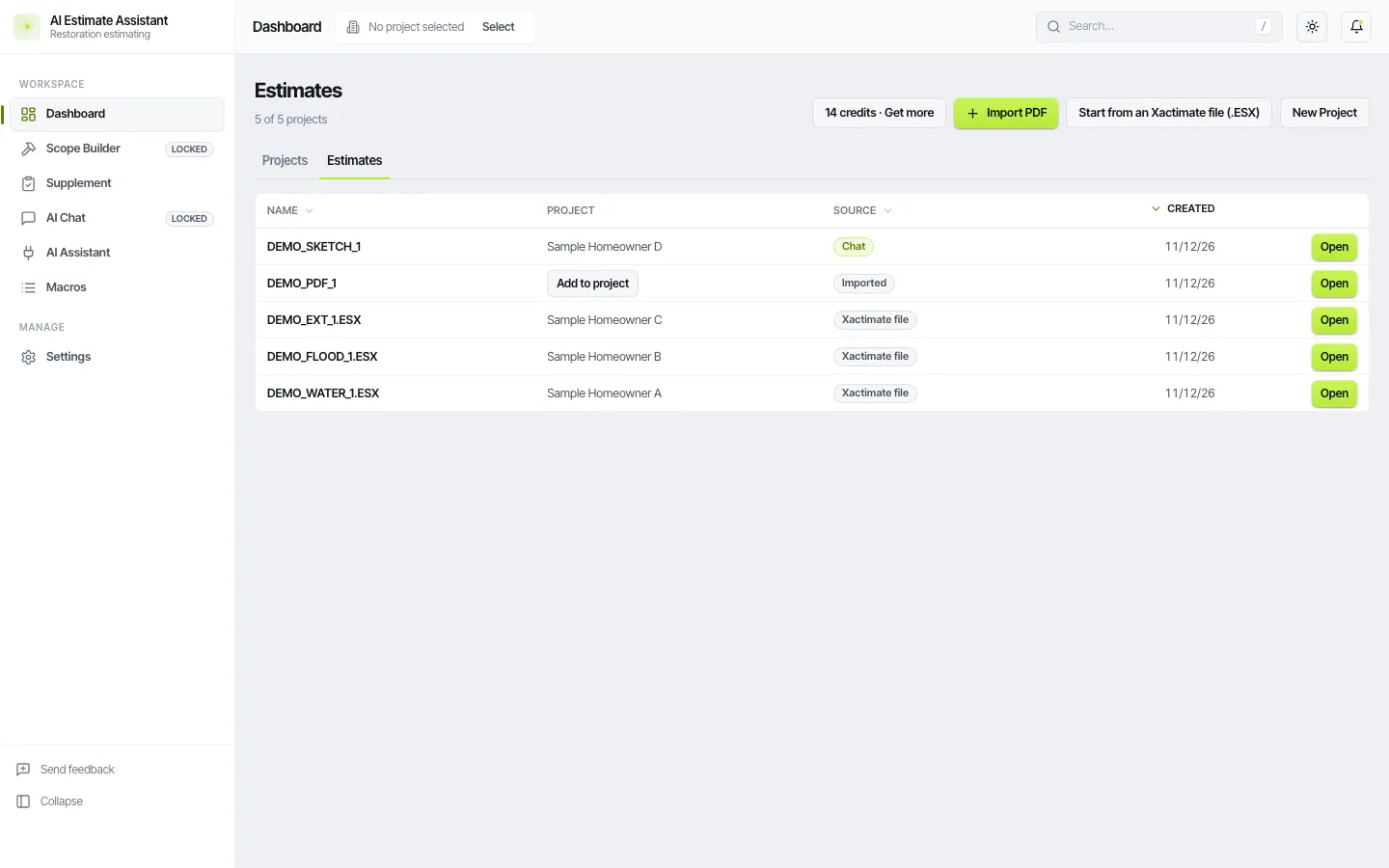
Why Xactimate can't open a PDF
The adjuster already built the estimate in Xactimate, then sent you a flat PDF. Xactimate can't import a PDF, so you rebuild it by hand. That burns hours, and every component or code item missed in the scramble is money left on the table.
Several tools convert a PDF to ESX. AIEA is built for what comes after: the chat app you already use reads and edits the estimate, AIEA checks every line against the catalog, and the result goes back into Xactimate. It also imports Symbility, Cotality, and SIMSOL estimates, which we have not found in any other conversion tool.
PDF to ESX FAQ
Everything an estimator usually asks before the first upload.
What is the best tool for converting a PDF estimate to Xactimate format?
Look for four things: codes matched to the catalog, folders kept, a review step before download, and an ESX that imports cleanly. AIEA does all four and lets you keep working on the estimate afterward.
How do I turn a carrier's PDF estimate into an editable Xactimate project?
Upload the PDF, review the lines, download the ESX, and import it into Xactimate.
Does Xactimate have a PDF conversion tool?
Xactimate does not import PDF estimates. Some other products offer PDF conversion. AIEA converts the PDF and then lets you sketch, edit, and build out the estimate before it goes back into Xactimate.
How do I convert a State Farm PDF estimate to Xactimate?
The same way. AIEA reads Xactimate layouts, USAA, commercial columnar, SIMSOL, Symbility and Cotality (beta), and scanned pages. Send us any layout it misses.
Is there a free PDF to ESX converter?
The first conversion is free with no card.
Can it handle large claims?
Yes. There is no page surcharge. Estimates over 100 line items use 2 credits.
Can I convert an ESX to a PDF?
That is done inside Xactimate by printing the estimate to PDF.