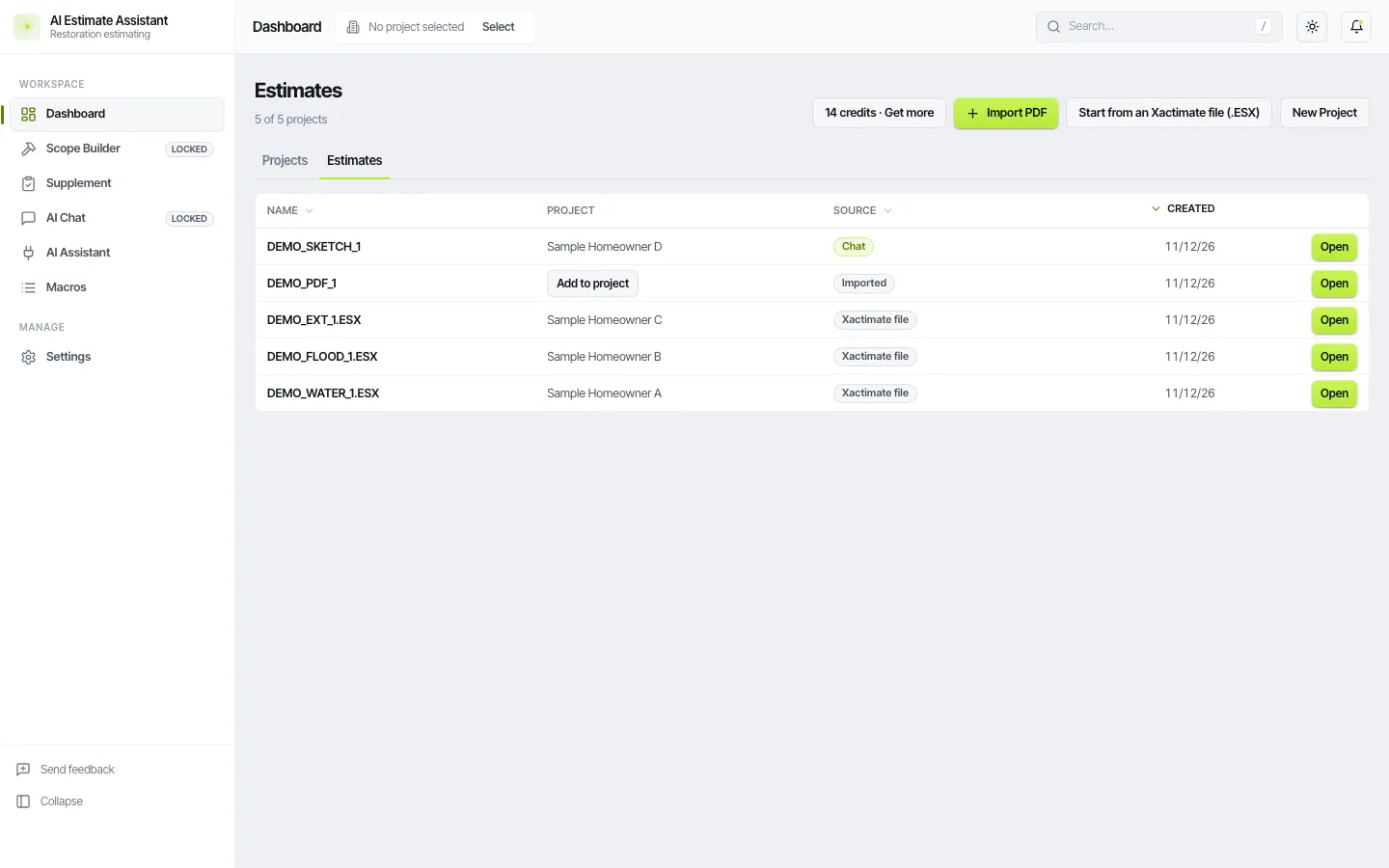
Short answer. There is no import button in Xactimate for a Symbility (now Cotality) estimate. The line item catalogs are different, so every line has to be matched to an Xactimate category and selector with the right action. AIEA does the matching and sets aside anything that has no clean equivalent. This feature is in beta.
Why it is slow by hand
Symbility describes work differently, bundles some tasks that Xactimate splits, and uses its own units on some items. Retyping a 150-line estimate means 150 lookups.
Steps
- In AIEA, click Import PDF and choose the Symbility or Cotality estimate.
- AIEA matches each line to an Xactimate code, action, and quantity.
- Lines with no match come through as review lines with the original description, so nothing is dropped silently.
- Check the review lines on the estimate page. Fix them there, or connect your chat app and ask it to work through them with you.
- Export the ESX, import it into Xactimate, and let it price.
What to check
Units (SF against SY on flooring), actions (replace against remove and replace), and any line that was a lump sum in the original.
What does not carry over
Symbility prices. Xactimate prices the estimate from its own price list.